
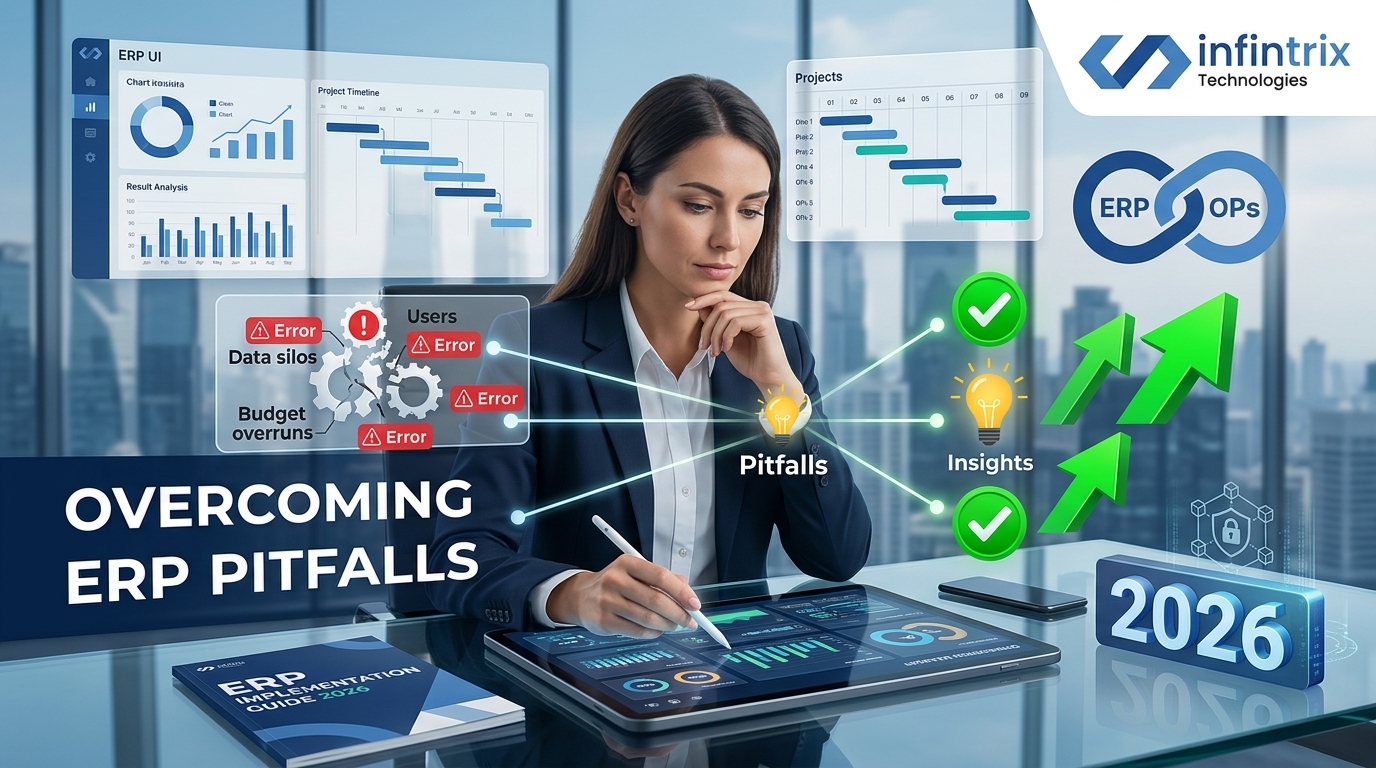
How Operations Managers Can Effectively Overcome Common ERP Implementation Pitfalls in 2026
In 2026, enterprise resource planning (ERP) systems remain a cornerstone for optimizing business operations across industries. However, ERP implementations continue to be fraught with critical pitfalls that can undermine expected benefits and inflate costs. For operations managers, who are increasingly accountable for overseeing implementation success, understanding these challenges and their practical solutions is essential.
This article delivers clear, actionable guidance on how to identify, address, and ultimately overcome the common ERP implementation pitfalls that have persisted despite technological and methodological advances. You will gain analytical insights, real-world examples, and strategic advice designed to ensure your ERP project delivers business value within budget and schedule.
Overview of Common ERP Implementation Pitfalls
1. Lack of Clear Business Objectives
ERP projects often fail when stakeholders don’t define measurable goals or clarify how the ERP system is expected to improve specific operational processes.
- Undefined success metrics cause scope creep and misaligned priorities.
- Operational goals need to drive system selection and configuration.
Example: A manufacturing firm spent millions on ERP software but saw no productivity gains as no KPIs were set beforehand to track bottlenecks or inventory accuracy improvements.
2. Poor Change Management and Employee Resistance
ERP implementations require culture shifts and new ways of working, yet many firms underestimate the change management effort.
- Resistance to change leads to low user adoption and workarounds.
- Senior leadership engagement and communication plans are critical.
Example: A retail chain’s ERP rollout stalled due to insufficient user training and lack of incentives, resulting in parallel legacy system use and data discrepancies.
3. Complex Data Migration and Integration Issues
Migrating legacy data and integrating the ERP with existing systems pose technical hurdles that are often underestimated.
- Data inconsistencies cause errors and delay go-live.
- Integration problems reduce real-time visibility and process automation.
Example: A distribution company experienced a 3-month implementation delay as corrupted legacy data inflows caused repeated testing failures in warehouse management integration.
4. Poor ERP Customization and Configuration
Over-customization or misconfiguration can introduce inefficiencies and complex maintenance challenges.
- Excessive tailoring inflates costs and complicates updates.
- Standardizing processes around best practices reduces risk.
Example: A food processor’s ERP deployment was delayed and cost tripled when in-house developers customized workflows without architectural governance.
Head-to-Head Snapshot Table: Key Pitfalls and Solutions
| Pitfall | Common Causes | Recommended Mitigation | Real-World Example |
|---|---|---|---|
| Undefined Business Objectives | Unclear success metrics & vague goals | Set measurable KPIs linked to business outcomes early | Manufacturing firm with no KPIs failed to realize ROI |
| Employee Resistance to Change | Lack of communication & inadequate training | Comprehensive change management plan & leadership advocacy | Retail chain saw low adoption from poor user engagement |
| Data Migration & Integration Challenges | Poor data quality & incompatible legacy systems | Data cleansing & phased integration testing | Distributor delayed go-live by 3 months due to data errors |
| Over-Customization | Uncontrolled tailoring & lack of governance | Adopt best practices; limit customizations; involve ERP vendor | Food processor’s system maintenance became unmanageable |
Deep Feature Comparison Sections
Strategic Planning and Goal Setting
Operations managers must lead the articulation of objectives and KPIs that align with corporate strategy. Tools like balanced scorecards linked to ERP dashboards are standard practice in 2026.
Challenges: Vague goals cause sporadic project focus; lack of operational benchmarks.
Solution: Deploy cross-functional workshops prior to vendor selection to define measurable outcomes and workflows.
Example: A chemical manufacturing company used a strategic planning workshop that reduced ERP project timeline by 20% and eliminated rework.
Change Management and Training
ERP projects require structured user engagement, communication plans, role-based training, and feedback loops to ensure adoption.
Challenges: Underestimating training time can lead to resistance or misuse.
Solution: Incorporate learning management systems (LMS) integrated with ERP for ongoing training and user support.
Example: A healthcare provider using LMS technology improved post-implementation user satisfaction scores by 35%.
Data Migration and System Integration
Data scrubbing, deduplication, validation, and phased integration with legacy and third-party systems mitigate risk of technical failure.
Challenges: Migrating legacy data without quality checks results in errors.
Solution: Execute iterative migration pilots with continuous quality monitoring and rollback procedures.
Example: A logistics company structured migration cycles which reduced errors by 90% and shortened technical downtime.
ERP Customization Governance
While customization is often needed, it should be carefully governed to avoid complexity and costly maintenance.
Challenges: Excessive custom code compromises stability.
Solution: Establish a governance board with technical and operational stakeholders to review change requests and authorize only necessary customizations.
Example: A food processing company saved nearly $1M over 3 years by limiting ERP customizations and relying on vendor-supported configurations.
Pricing & Total Cost of Ownership (TCO)
| Cost Area | Common Scenario | Mitigated Scenario |
|---|---|---|
| Licensing | High licensing fees on proprietary ERP platforms | Leverage cloud-based subscription models with pay-as-you-go |
| Consulting & Implementation | Overruns due to poor planning and scope creep | Defined scope, agile project management reduce overruns by 30% |
| Training & Change Management | Inadequate training causing indirect costs of rework | Integrated LMS and change support reduce productivity loss |
| Customization & Maintenance | Expensive and complex with ungoverned customizations | Governance limits scope and lowers ongoing maintenance costs |
ROI Outcome: Companies implementing best-practice mitigation strategies see a typical ERP project ROI improvement of 25%–40% and a reduction in post-implementation support costs by 20% over five years.
Customization & Flexibility
Modern ERP systems in 2026 offer flexible low-code platforms that enable business users to tailor workflows within guardrails set by IT governance.
Example: An electronics manufacturer empowered its operations team to create and deploy process automation without developer help, accelerating responsiveness by 15%.
Implementation & Ease of Use
Typical ERP implementations span 12 to 18 months depending on size and complexity. Key to smooth rollout is phased deployment, pilot testing, and user feedback integration.
- Timeline: Multi-site rollouts average 15 months, smaller projects 9-12 months.
- Training Effort: Require 20-30 hours per user across role-based sessions and refreshers.
- Rollout Advice: Plan go-live in waves by functional area, maintain legacy parallel systems briefly.
Pros & Cons
ERP Implementation Pitfall Mitigation Pros
- Reduced project delays and cost overruns.
- Higher user adoption and operational compliance.
- Improved decision-making from accurate data.
- Lower long-term maintenance costs.
Cons
- Requires upfront investment in planning, training, and governance.
- Some resistance to stricter customization limits.
- Needs ongoing executive sponsorship.
Why Businesses Switch ERP Projects
Common reasons include failure to meet timelines, budget overruns, and insufficient alignment with operational workflows. Poorly managed implementations risk lost revenue, eroded customer confidence, and wasted capital.
Impact: Studies show that organizations switching ERP vendors mid-project can incur additional costs of 50%+ and delay business benefits by 12 months or more.
Migration or Adoption Guide: 5-Step Roadmap
- Define Clear Objectives: Establish measurable goals and operational KPIs involving all key stakeholders.
- Rigorous Requirement Analysis: Detailed process mapping and vendor selection aligned to business needs.
- Data Preparation: Cleanse, deduplicate, and validate legacy data before migration pilots.
- Structured Change Management: Develop communication, training, and leadership endorsement plans.
- Phased Rollout & Continuous Feedback: Deploy in waves; monitor adoption metrics; iterate.
Which Approach Fits Your Business?
- Startups: Use modular cloud ERP with minimal customization to ensure agility and cost control.
- SMBs: Invest in change management and phased data migration to maximize adoption and minimize risk.
- Mid-market Companies: Employ formal governance boards and strategic workshops for clear alignment and risk mitigation.
- Enterprises: Utilize integrated LMS solutions, agile methodology, and robust data governance for complex multi-site deployments.
Conclusion
Effective ERP implementation in 2026 requires operations managers to proactively address classic pitfalls through structured planning, robust change management, disciplined data migration, and controlled customization. By following a clear roadmap and leveraging best practices, organizations can realize their enterprise goals with minimal disruption and optimized ROI.
FAQs
1. What is the most common reason ERP implementations fail?
Unclear business objectives and poor change management remain the top causes, leading to low adoption and scope issues.
2. How important is data migration in ERP success?
Data quality and phased migration significantly affect system stability and user confidence post-launch.
3. Can customization hurt ERP projects?
Yes, excessive or ungoverned customization increases costs, delays, and maintenance difficulties.
4. What is a practical timeline for ERP implementation?
Small to mid-sized projects typically require 9-15 months; complex multi-site rollout may take 18 months or more.
5. How to manage employee resistance during ERP deployment?
Engage users early with communication, training, and visible leadership support to ease transition.
Related Articles
- How to Overcome Common ERP Implementation Failures by Aligning Software with Business Needs in 2026
- ERP Implementation Issues, Challenges & Solutions Guide
- ERP Implementation Timeline and Key Success Factors
- Best ERP for Small Manufacturing Business in 2026
- ERPNext Implementation Guide 2025
- Customization Challenges: How to Tailor ERP Solutions Without Breaking the Bank
For comprehensive guidance and practical ERP implementation solutions, operations managers should continuously align technical execution with well-defined business objectives, staffed with expert vendors and invested leadership.
Comments
Start the conversation — be the first to share your thoughts.