
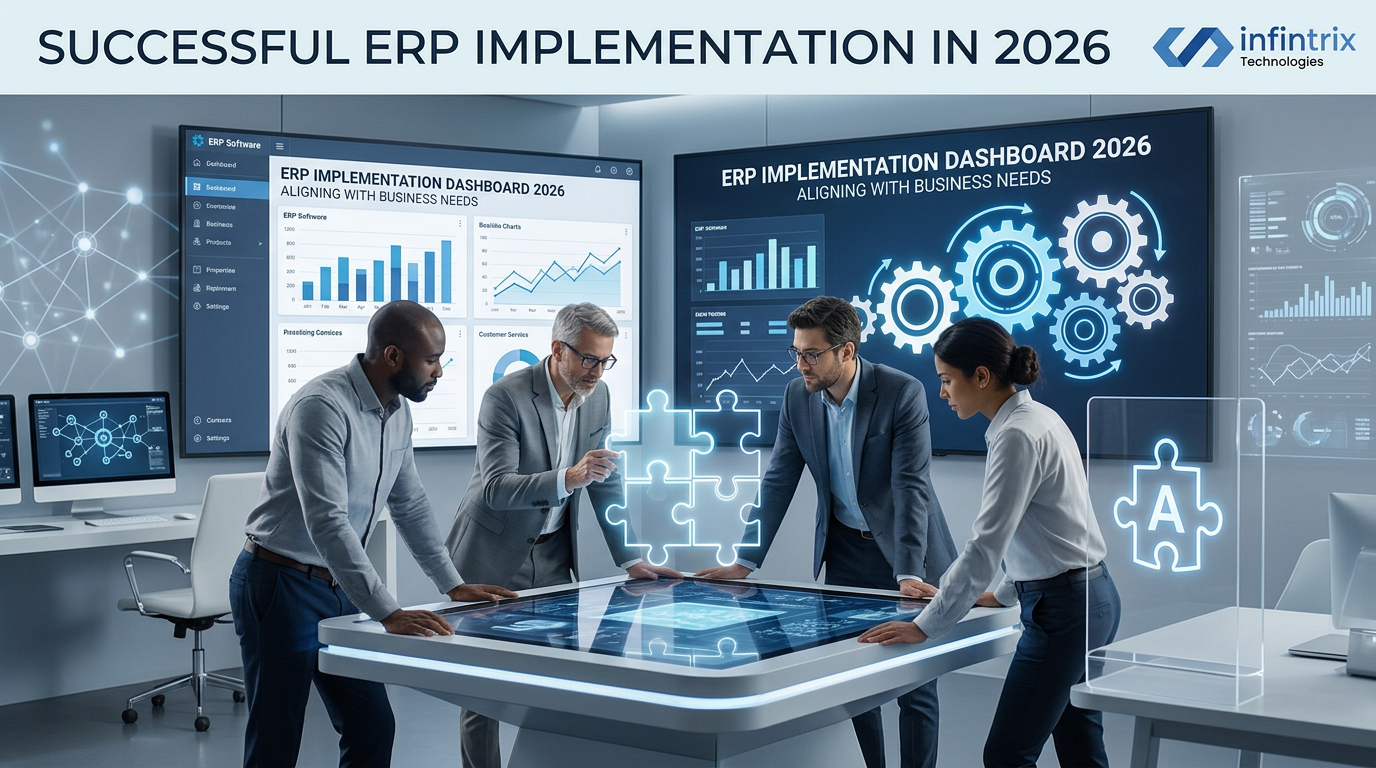
How to Overcome Common ERP Implementation Failures by Aligning Software with Business Needs in 2026
1. Introduction
In 2026, Enterprise Resource Planning (ERP) systems remain critical to business success, enabling integrated management of core processes across industries. However, despite advances in ERP technology, failure rates remain high, often due to misalignment between the software and the business’s unique needs.
This article analyzes why ERP implementation failures persist and delivers actionable insights on how businesses can strategically align ERP systems with their operations to avoid costly pitfalls and maximize ROI.
2. Overview
2.1 Common ERP Implementation Failures
Failures typically stem from issues such as unclear objectives, poor change management, and inadequate training.
- Lack of Clear Implementation Strategy: Without defined business goals, ERP projects lose direction.
- Poor Change Management: Resistance from staff can derail system adoption.
- Data Migration Problems: Inaccurate or incomplete data transfer impacts operations.
- Budget Overruns and Timeline Delays: Often caused by scope creep and poor planning.
Example: A manufacturing company overran their ERP budget by 40% due to underestimating data complexity and user training needs, causing a delayed go-live and productivity losses.
2.2 Aligning ERP with Business Needs
Successful ERP implementations match software capabilities with the organization’s business processes and goals.
- Clear Business Process Mapping: Ensures ERP modules support actual workflows.
- Customizations and Integrations: Tailored to unique company requirements without overcomplicating the system.
- Continuous Stakeholder Engagement: Aligns technical deployment to business priorities.
Example: A retail enterprise integrated its ERP with its e-commerce and POS systems, streamlining inventory management and improving sales reporting accuracy.
3. Head-to-Head Snapshot Table
| Aspect | Common Failure Cause | Successful Alignment Strategy |
|---|---|---|
| Planning | Undefined business requirements | Detailed analysis of business processes and goals |
| Change Management | Resistance and inadequate training | Comprehensive user training and stakeholder engagement |
| Data Migration | Poor data quality and incomplete transfer | Data cleansing and phased migration testing |
| Customization | Excessive modifications causing complexity | Balanced customizations aligned with business needs |
4. Deep Feature Comparison Sections
4.1 Planning and Analysis
Category Explanation: This phase defines the project scope, objectives, and requirements. It sets the foundation for the entire ERP implementation.
Failure Scenario: Companies often rush planning causing unspecific requirements, resulting in scope creep and misaligned system features.
Alignment Approach: Conduct thorough business process mapping involving key stakeholders, identifying objectives clearly. Use workshops and documentation to validate these needs.
Example: A mid-market logistics firm spent 8 weeks mapping workflows and identified redundant manual tasks eliminated post-ERP, improving operational efficiency.
4.2 Change Management & Training
Category Explanation: Ensures user buy-in and smooth adaptation to new workflows and tools.
Failure Scenario: Projects fail when users resist change due to fear, inadequate training, or lack of communication.
Alignment Approach: Develop tailored training programs, engage champions in departments to promote adoption, and maintain open communication channels.
Example: A services company retained 95% user adoption rate after implementing bite-sized training and involving users in feedback loops during deployment.
4.3 Data Migration & Quality
Category Explanation: Data migration transfers business data into the ERP system, a critical step for operational continuity.
Failure Scenario: Inaccurate or incomplete data causes operational disruptions, reporting errors, and loss of user confidence.
Alignment Approach: Perform multiple test migrations, cleanse legacy data, and establish data governance frameworks pre- and post-migration.
Example: A healthcare provider implemented phased data migration including validation checks, reducing post-go-live issues by 80%.
4.4 Customization & Integration
Category Explanation: Tailoring the ERP to unique processes and integrating with other systems.
Failure Scenario: Over-customization leads to excessive complexity and higher maintenance costs.
Alignment Approach: Prioritize customizations that support competitive differentiators and utilize standard integrations for common services.
Example: A food & beverage manufacturer used out-of-box ERP modules and selectively customized their batch management, balancing cost and functionality.
4.5 Reporting and Analytics
Category Explanation: ERP reporting provides actionable insights to drive decisions.
Failure Scenario: Poor alignment results in irrelevant or untrusted reports, undermining decision-making.
Alignment Approach: Define key performance indicators early, customize dashboards, and train users on interpreting data.
Example: A retail chain implemented role-specific reporting views, improving sales teams’ responsiveness to market changes.
5. Pricing & Total Cost of Ownership (TCO)
| Cost Area | Common ERP Projects | Aligned ERP Projects |
|---|---|---|
| Licensing | Varies widely, often high for extensive customizations | Optimized by selecting modules that match business scope |
| 5-Year TCO | High due to overruns, rework, and low adoption | Lower, driven by efficient rollout and usage |
Analysis: Aligning ERP to business needs reduces hidden costs, lowers the risk of overruns, and drives faster ROI realization.
6. Customization & Flexibility
Customization must balance between meeting unique needs and maintaining manageable complexity. Flexibility allows systems to evolve with business changes.
- Example: A SME used configurable ERP fields instead of code changes to adapt workflows, significantly cutting upgrade costs.
- Example: A manufacturing company used plugin architecture enabling incremental functional enhancements aligned with roadmap.
7. Implementation & Ease of Use
Typical ERP implementations span 6 to 18 months depending on size and complexity. Key factors for ease of use include intuitive interfaces and role-based access.
- Timeline: Planning (2-3 months), configuration (3-6 months), testing (1-2 months), deployment (1 month)
- Training: Ongoing, with focused sessions pre and post go-live
- Rollout Advice: Pilot phases help mitigate risks and gather early feedback
8. Pros & Cons
Aligned ERP Implementation Pros
- Higher user adoption and satisfaction
- Improved process efficiency
- Reduced total cost and risk
Aligned ERP Implementation Cons
- Requires upfront investment in planning and analysis
- May need cultural change initiatives for staff buy-in
9. Why Businesses Switch ERP Systems
Businesses often replace ERP due to poor fit, legacy constraints, or inability to support growth. Aligning software capabilities upfront mitigates this risk.
Case studies reveal switching ERP aligned with business results in improved operational KPIs and financial outcomes within 12-24 months.
10. Migration or Adoption Guide
- Conduct detailed business process and requirements analysis
- Select ERP solution with modular, flexible architecture
- Engage stakeholders for change management early
- Develop incremental implementation and data migration plans
- Establish continuous training and support mechanisms post go-live
11. Which One Fits Your Business?
Startups: Lightweight, cloud-based ERP with easy scaling and minimal customizations.
SMBs: Mid-tier ERP with core modules tailored to specific industry processes.
Mid-market Companies: Robust ERP offering extensive customizations and integrations.
Enterprises: Enterprise-grade ERP platforms with strong support, advanced analytics, and global compliance.
12. Conclusion
Strategically aligning ERP software with business needs in 2026 is critical to reducing failure risks, optimizing costs, and driving measurable business value. Quality planning, stakeholder engagement, and pragmatic customization are fundamental success factors.
13. FAQs
What is the primary cause of ERP implementation failure?
Lack of clear business requirements and poor change management are the leading causes.
How can businesses ensure ERP alignment?
By thoroughly analyzing business processes and engaging stakeholders through implementation phases.
What are key steps in an ERP implementation?
Planning, design, configuration, data migration, testing, deployment, and training.
Can excessive customization harm ERP projects?
Yes, it may increase complexity, costs, and upgrade challenges.
How long does a typical ERP implementation take?
Usually 6-18 months depending on the organization size and complexity.
Comments
Start the conversation — be the first to share your thoughts.